16 puzzles. Free to play.
Pick a puzzle.
Play free 3D cube puzzles in your browser. Try a Classic 2×2–7×7, Pyraminx or Megaminx. Scramble it and make your move.
3D Magic Cube Solver
Inside the app.
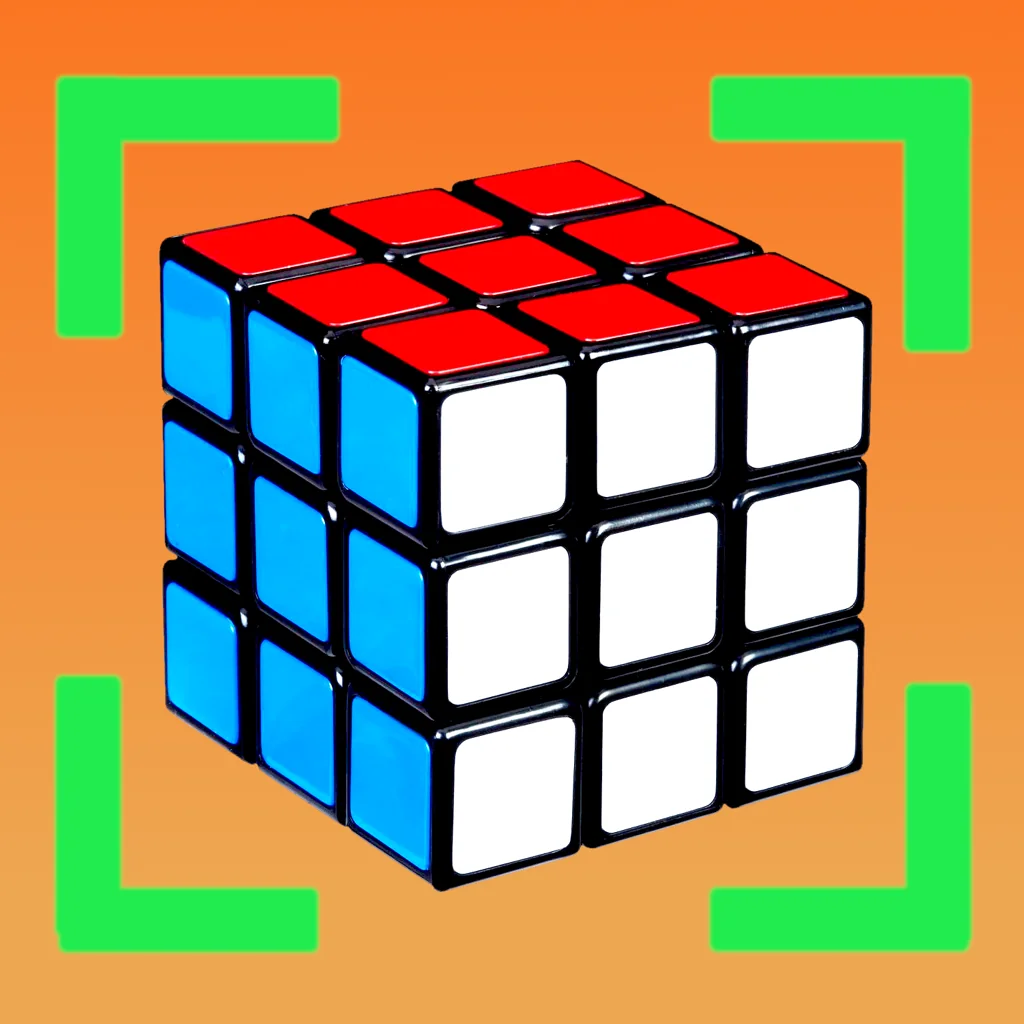
Point your phone at each face of your cube. Check the captured colors, then follow the moves in the animated solution.
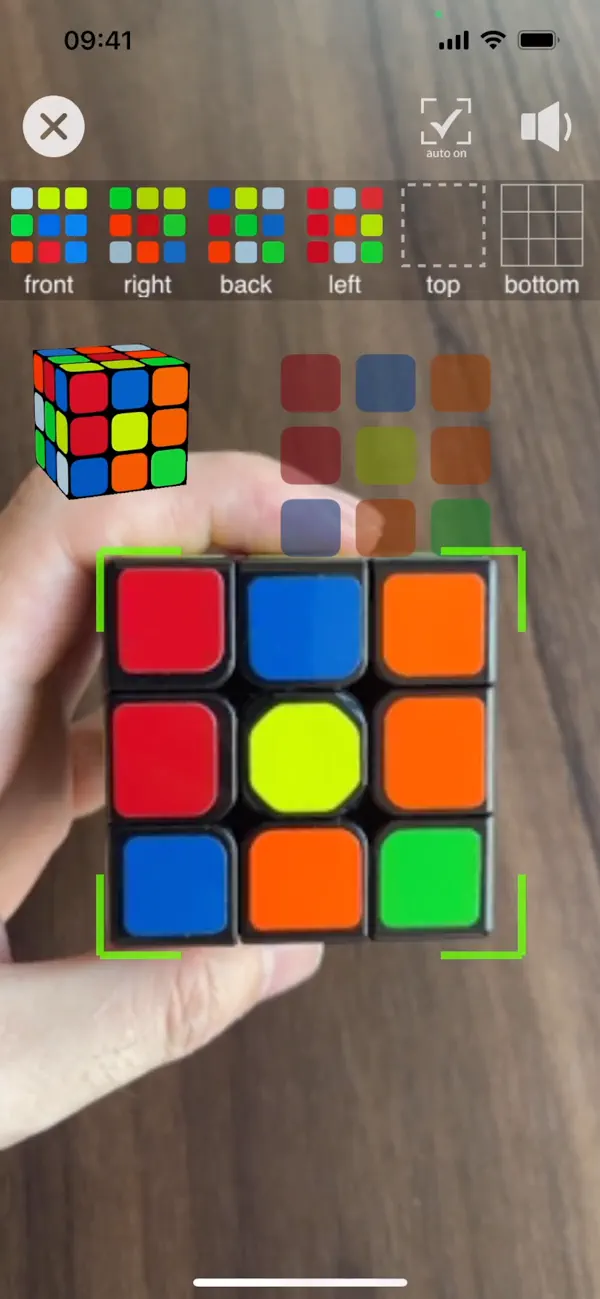
iPhone & iPad · Camera solver
Scan your cube.
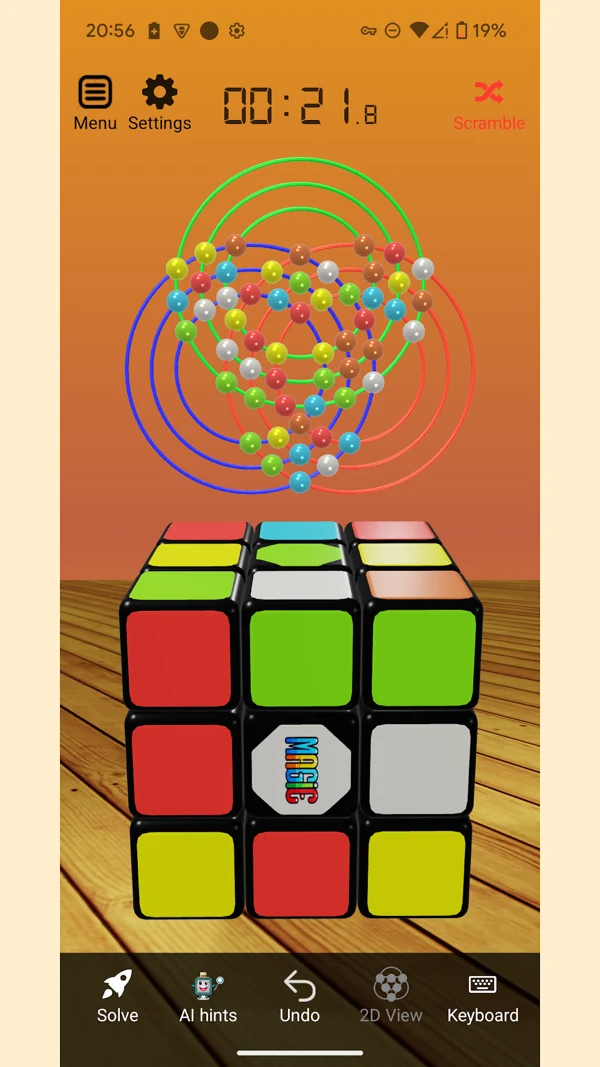
Follow the solution.
Classic cubes
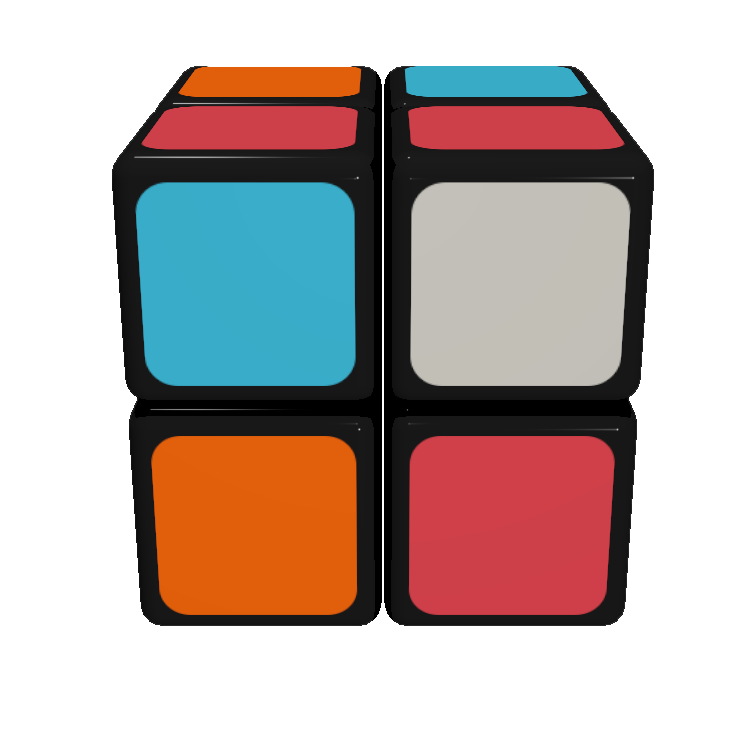
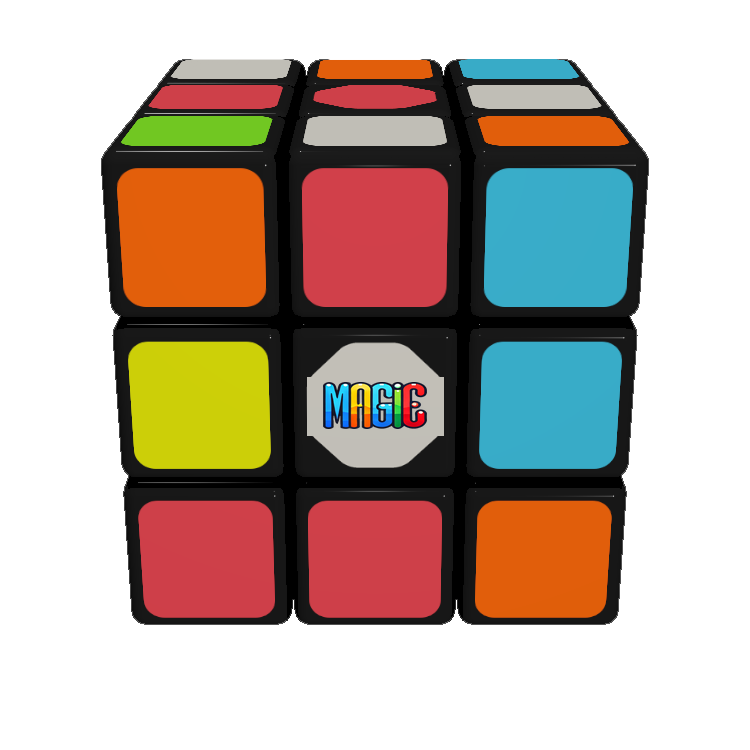
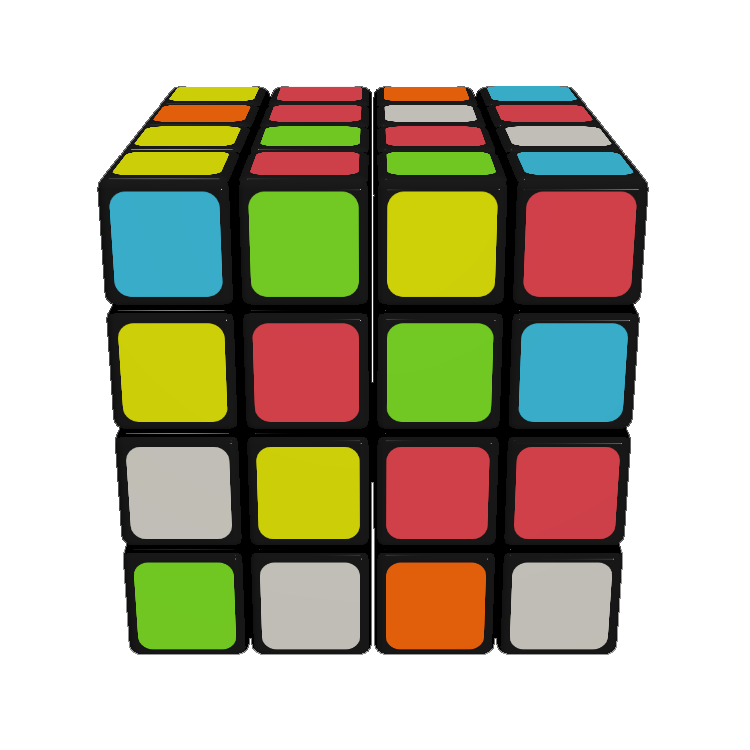
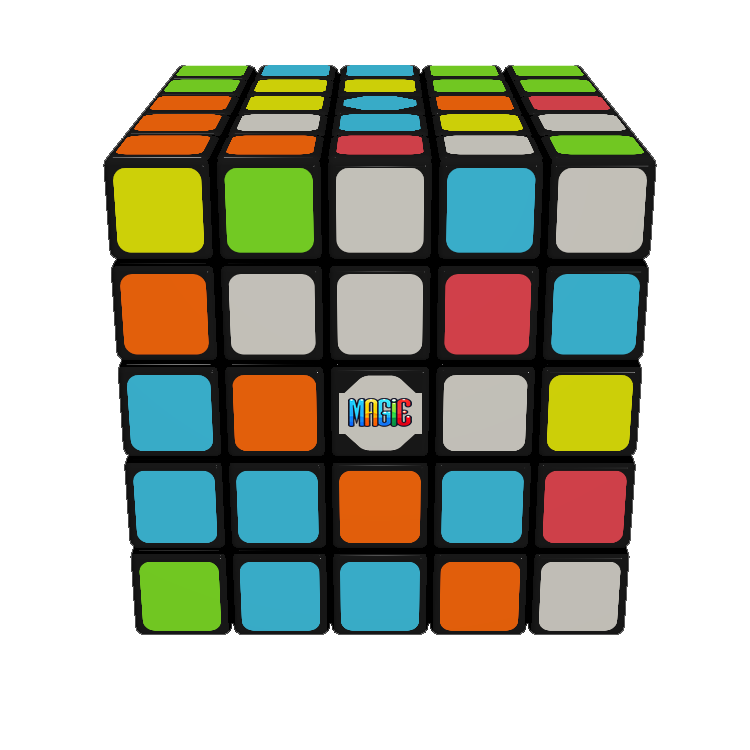
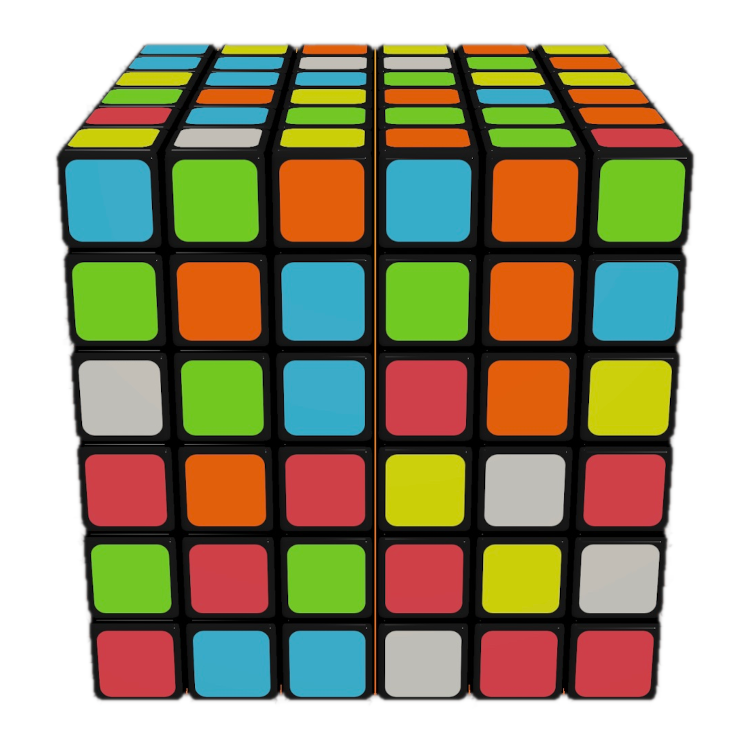
Additional puzzles
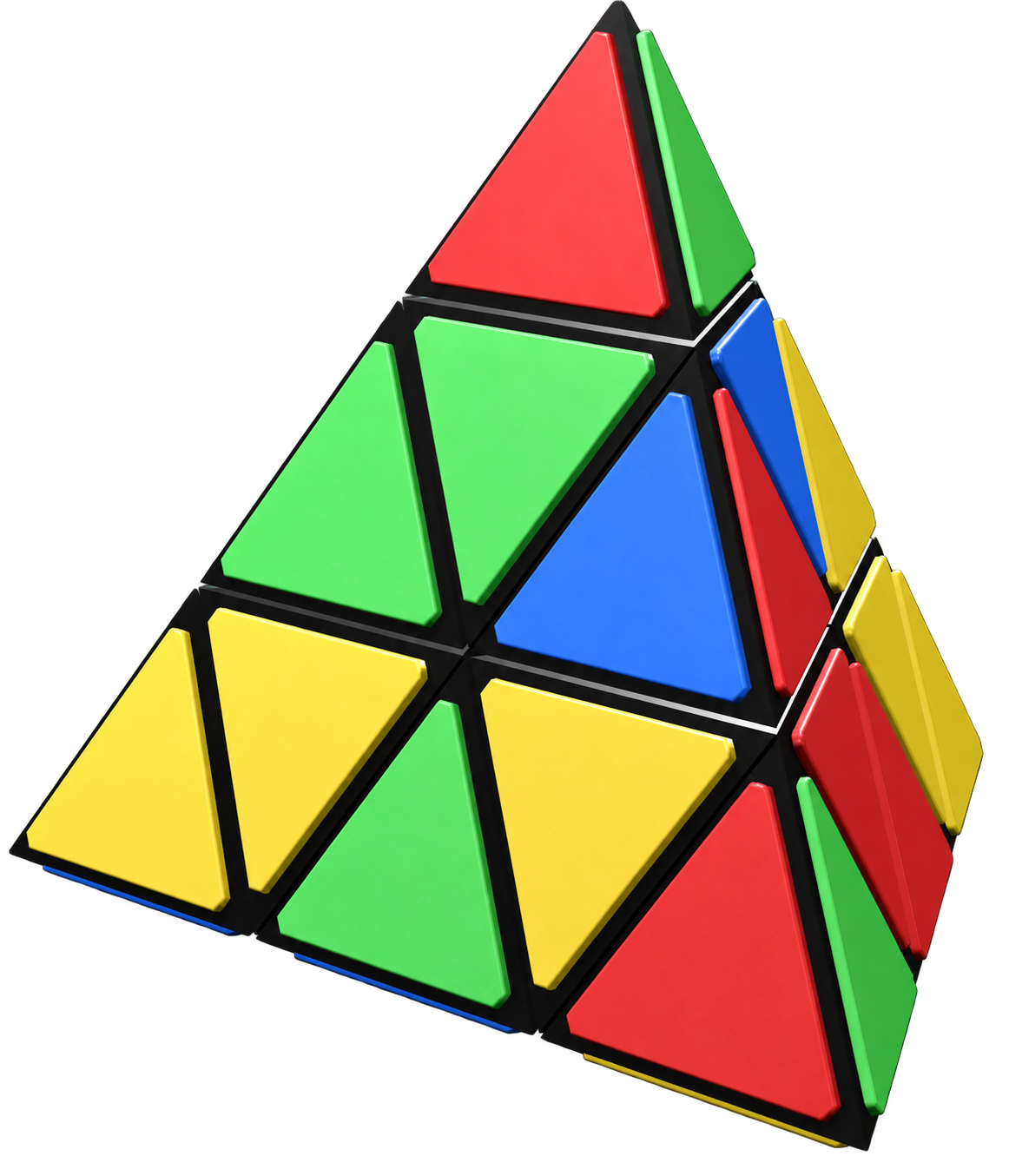
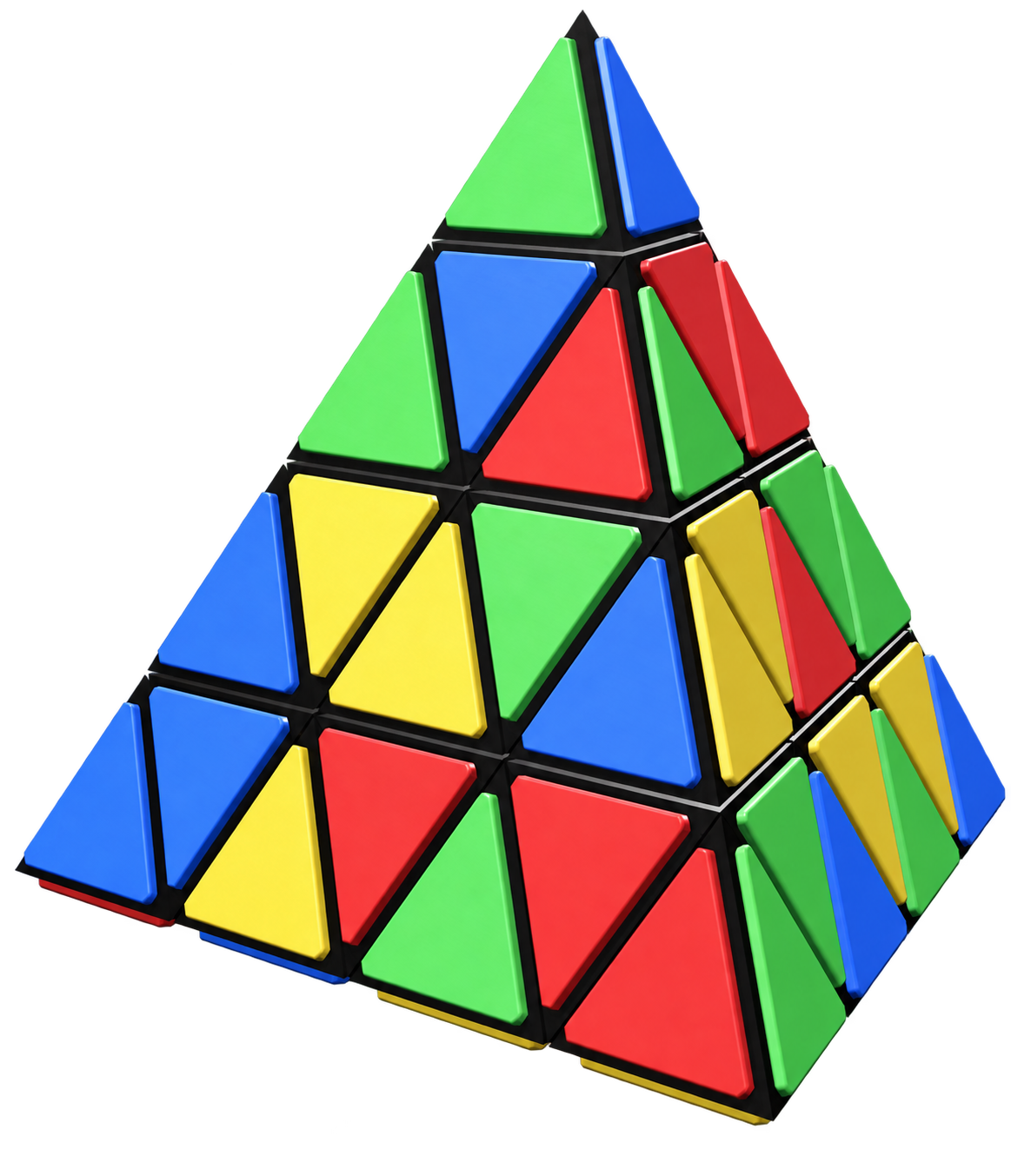


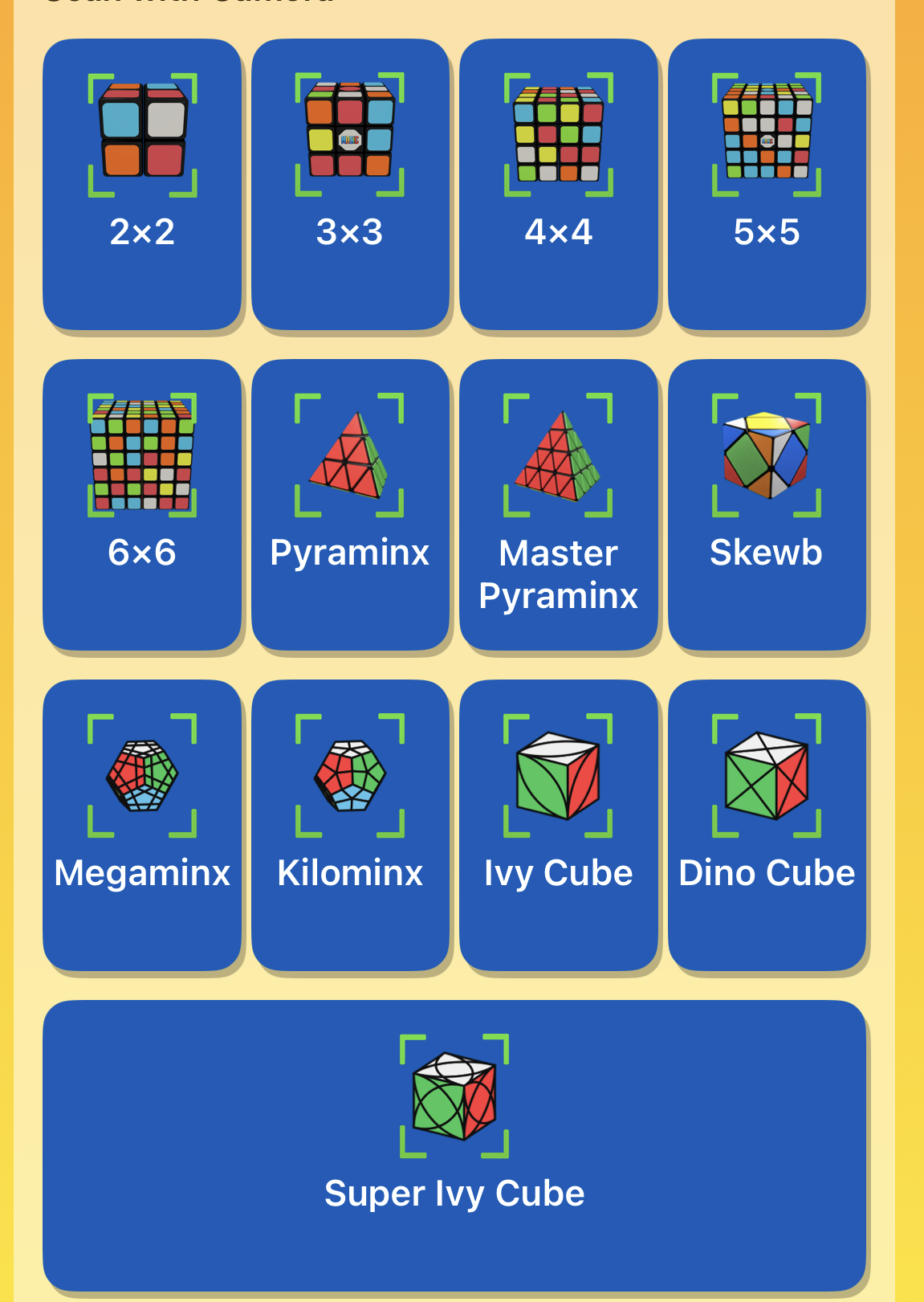
Actual app screenshots. Features vary by platform and version. Camera-solving is available in the mobile apps, not on this website.
Take it with you.
3D Magic Cube Solver
by White Whale Software



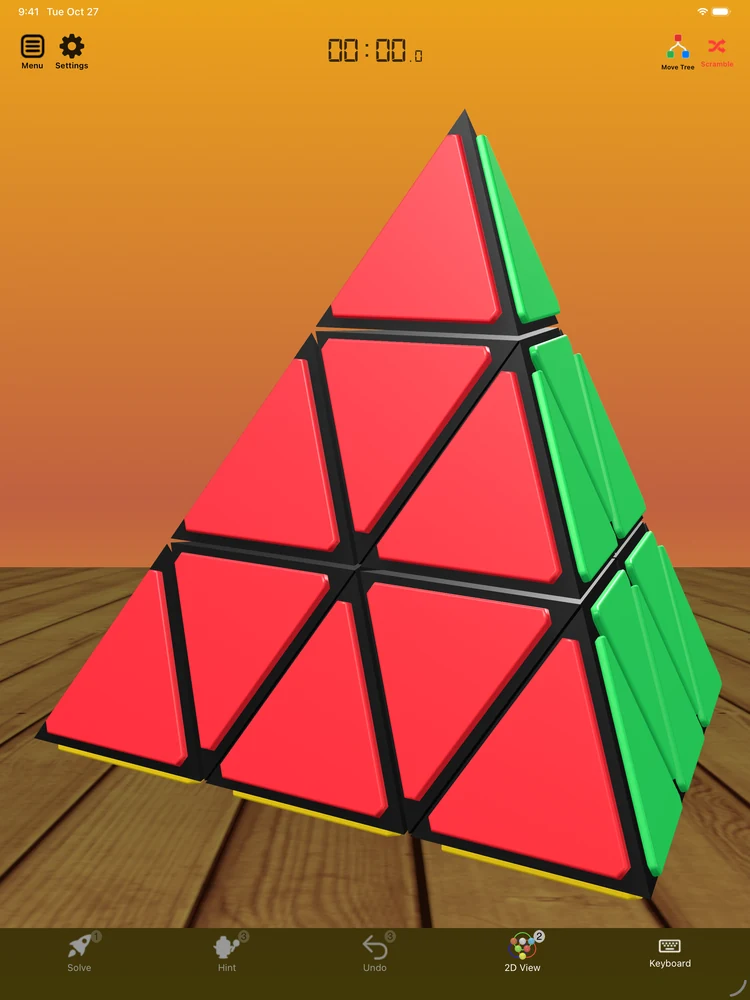
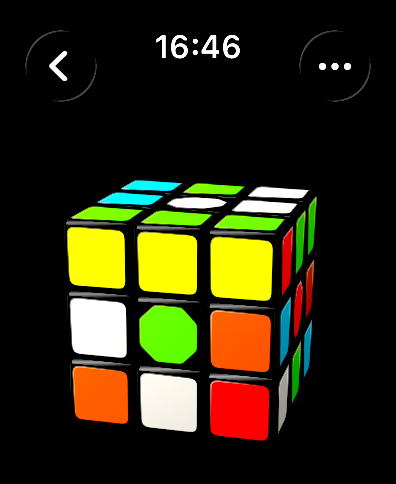
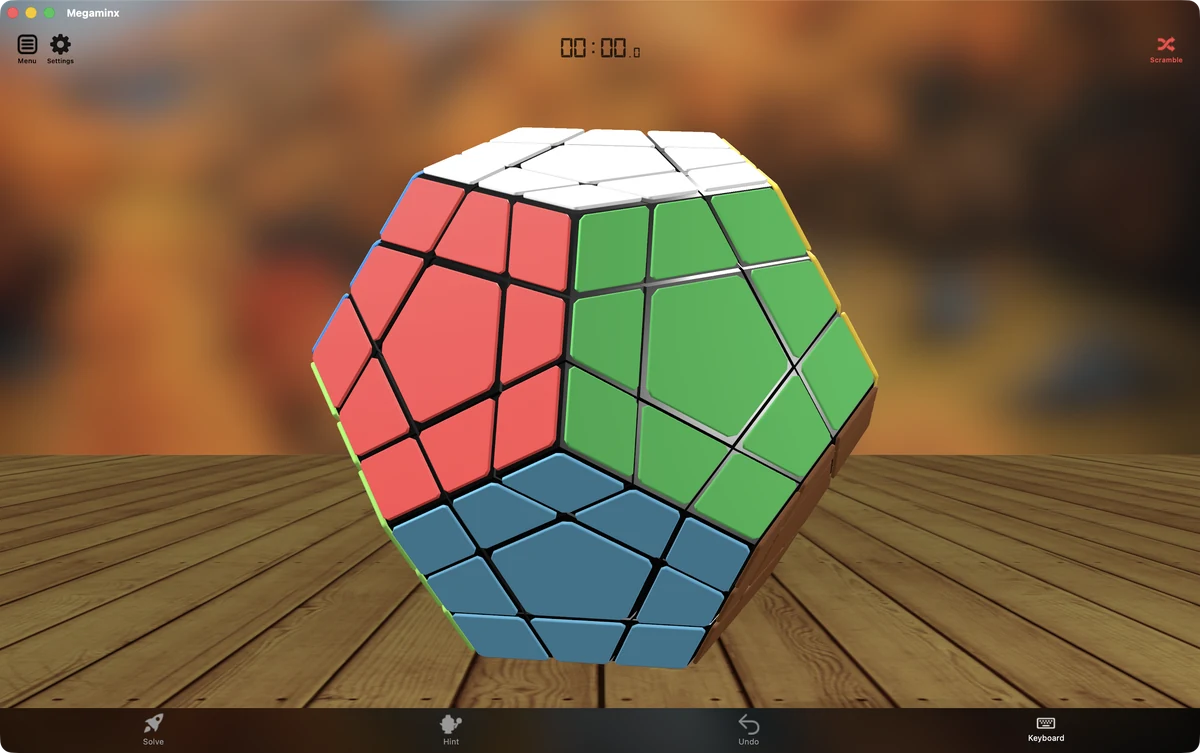

Apple TV · tvOS · Store link coming soon
A few practical details
Before you ask.
Can I play for free on this website?
Yes. The online puzzles are free to play, with no account or download required. You can scramble, turn, undo and resume your puzzle in this browser.
Which puzzles can I play online?
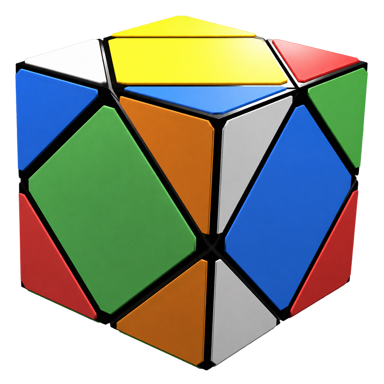
Play Classic cubes from 2×2 to 7×7, Pyraminx, Master Pyraminx, Skewb, Megaminx, Kilominx, Face-Turning Octahedron (FTO), Mirror Cube, Fisher Cube, Windmill Cube and Axis Cube. All 16 puzzles support animated turns, scrambling and undo in the browser.
How do I turn a puzzle?
Swipe a tile to turn its layer. On Classic cubes, the tile you touch selects the row or column, including inner layers. Drag the background or use two fingers to look around; pinch or scroll to zoom. Move buttons and keyboard shortcuts are also available in the playground.
Will my progress be saved?
Your puzzle progress is saved locally when your browser allows storage. It stays on this device and browser; it does not sync to the apps. Clearing website data removes those saves, and private browsing may not keep them.
Can the website scan my physical cube?
Camera-solving is an app feature. This website is for virtual puzzle play and app demonstrations. Explore the iPhone/iPad and Android editions above for physical cube scanning and solution playback.
Are all app editions exactly the same?
Magic Cube is available across iOS, macOS, watchOS, tvOS and Android. Features, controls, pricing and release availability vary by platform. Check the relevant store listing for the current edition. The browser playground has its own feature set.